
 LicensingAll-Access
Nolvra Black Friday 2026: Up To 28% Off Plugins And Packs
November 16 to December 1: up to 28% off plugins and packs, Nolvra Essentials and the first year of All-Access lower. Every figure and what it covers.
LicensingAll-Access

A build your own plugin bundle only pays off if every pick earns a place. How to choose 2, 5 or 9 plugins by the jobs you repeat, not by the list.
A pick your own plugin bundle sounds like the obvious way to buy: you choose the plugins, the price per plugin drops, nothing you do not want comes along. It works exactly as well as the choosing does. A set of five where two never leave the folder is a set of three at a worse price. This guide is about the choosing: how to find the plugins that will actually be on your tracks, which size fits, and when a fixed bundle or a plan is the better buy. The example is Nolvra's Choose Your Collection, but the method holds for any build your own bundle.
Open your last five sessions and write down what you did in every one of them: tuned the lead, cleaned a room out of a vocal, shaped an 808, tamed a harsh top end, widened a pad. A job that shows up in four sessions out of five is a pick. A plugin you admired in a video but never needed is not. Thirty minutes with old projects is a better guide than any product page.
For each job, check what your DAW already does well. A stock compressor or EQ that you know inside out is not a gap. A job where you keep rendering, bouncing or fighting the stock tool is. Pick for the gaps. Two plugins that do overlapping jobs in one set is the most common way a custom bundle loses its value.
A week of real sessions answers more than any spec sheet. Nolvra's All-Access trial is seven days, needs no card, and unlocks the paid plugins straight away, so you can put every candidate on actual tracks and see which ones you reach for without thinking. Note them as you go, because by day seven you will have forgotten which one saved you on day two.
Only once the list is honest do you choose the size. If the list has two entries, it is a set of two; padding it to five because five is the better rate per plugin is how the extra three end up unused.
Choose Your Collection comes in three sizes: 2, 5 or 9 plugins, chosen from every paid Nolvra plugin. The free ones, GLOAM, RELIC and PRISM MINI, are not in the list because they already cost nothing. Each size takes a share off the list price of the plugins you pick, and a larger size takes a larger share. Each size also has a ceiling on the total, so if your picks are the higher priced plugins, the ceiling is reached first and the set costs less than the share alone would give. The page for the offer shows your total as you pick, so you can see that effect on your own list rather than in a formula.
Every plugin you pick comes with its own perpetual license, sent by email and shown in Nolvra Hub, activates on two machines, and is yours to keep after one payment. A plugin you already own adds nothing as a second license, so leave it out. Sample packs are not part of this offer; they are sold on their own and come with All-Access.
If your honest list comes out close to nine and looks a lot like INTONE, PLUME, RIDGE, PRISM PRO, RAW, PLUNGE, IMAGER, BRIM and SURGE, take Nolvra Essentials: those nine are the fixed set, already put together for a full mix from vocal tuning to the 808. Picking your own nine is for when your nine are different.
If your list keeps changing with every project, or you want the plugins released after this one and the sample packs too, ownership may be the wrong frame altogether. All-Access includes the paid plugins and new releases as they ship, and every seven paid months you can pick one paid plugin you do not already own to keep for good. The pay once or subscribe guide goes through that trade off, and which Nolvra plugin first helps if your list has only one entry.
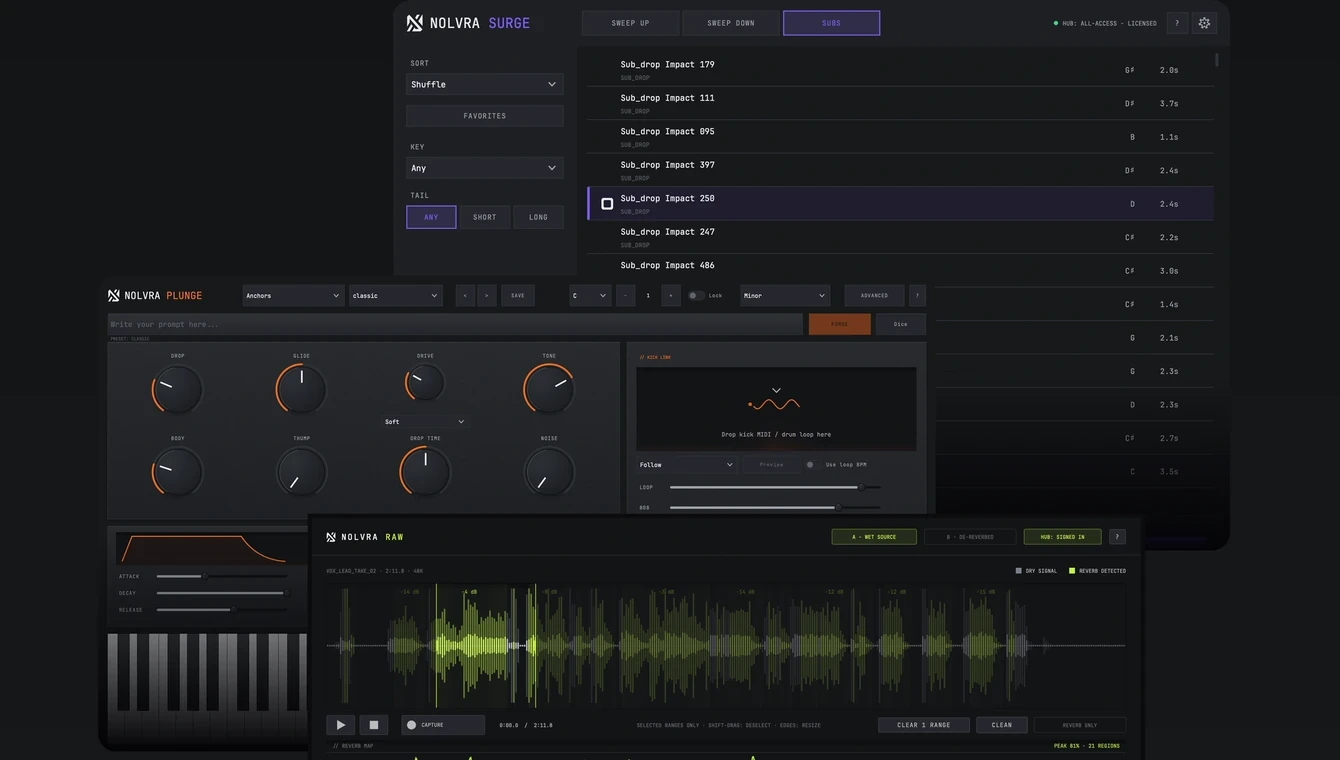
All-Access starts with seven days free and no card, and every paid plugin in the plan unlocks straight away. Use the week to find the ones you reach for.
Any paid Nolvra plugin. GLOAM, RELIC and PRISM MINI are free, so they are not in the list, and sample packs are not part of this offer.
Yes. Each plugin comes with its own perpetual license, sent by email and shown in Nolvra Hub. It activates on two machines and there is no renewal.
Nolvra Essentials is a fixed set of nine plugins. Choose Your Collection lets you pick your own 2, 5 or 9, so it fits when the plugins you need are not the nine in Nolvra Essentials.
No. A second license for a plugin you already own adds nothing, so pick the ones you do not have yet.
Guides
You may also like
LicensingAll-AccessNovember 16 to December 1: up to 28% off plugins and packs, Nolvra Essentials and the first year of All-Access lower. Every figure and what it covers.
 Creative processWorkflow
Most unfinished tracks died in the browser, not in the arrangement. Cut the number of decisions, not the quality.