Miles
An AI assistant for Ableton Live. It hears what plays, sees your set and talks it through.
In the beta today
What Miles does
Miles listens to your session, looks at the Live window, measures your bounces and answers in plain words. All four are in the beta now.
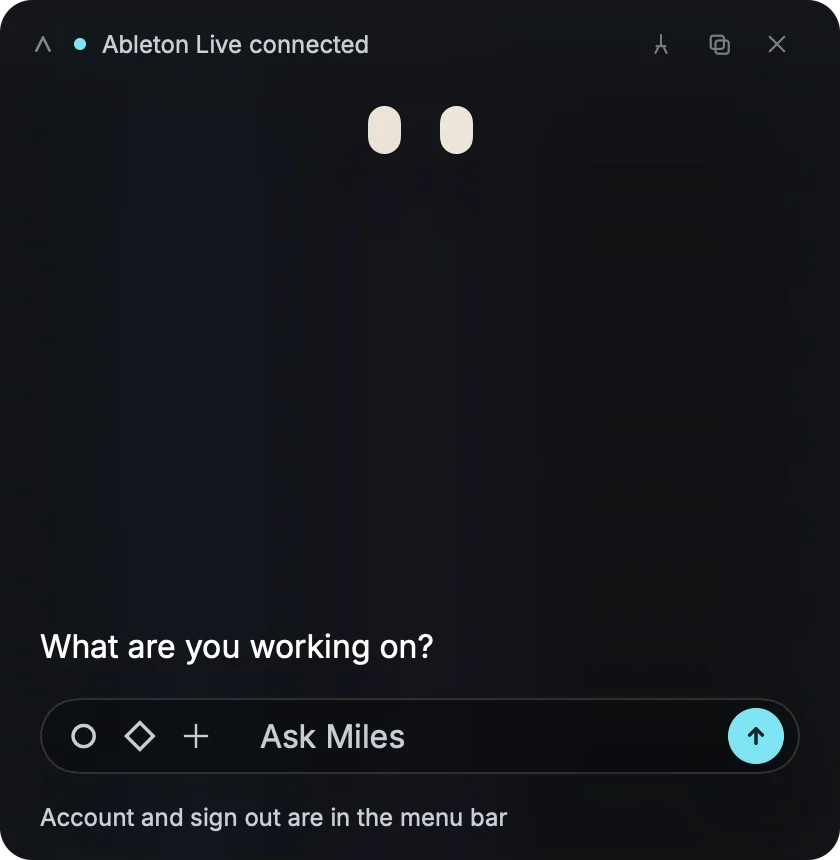
Chat
Ask about your track
Ask about the mix, a sound or what to try next. Write it the way you'd say it in the studio.
- Plain wordsNo settings to learn first
- Your sessionAnswers use what Miles heard and saw
- New chatStart over from the panel
Ear and Eye
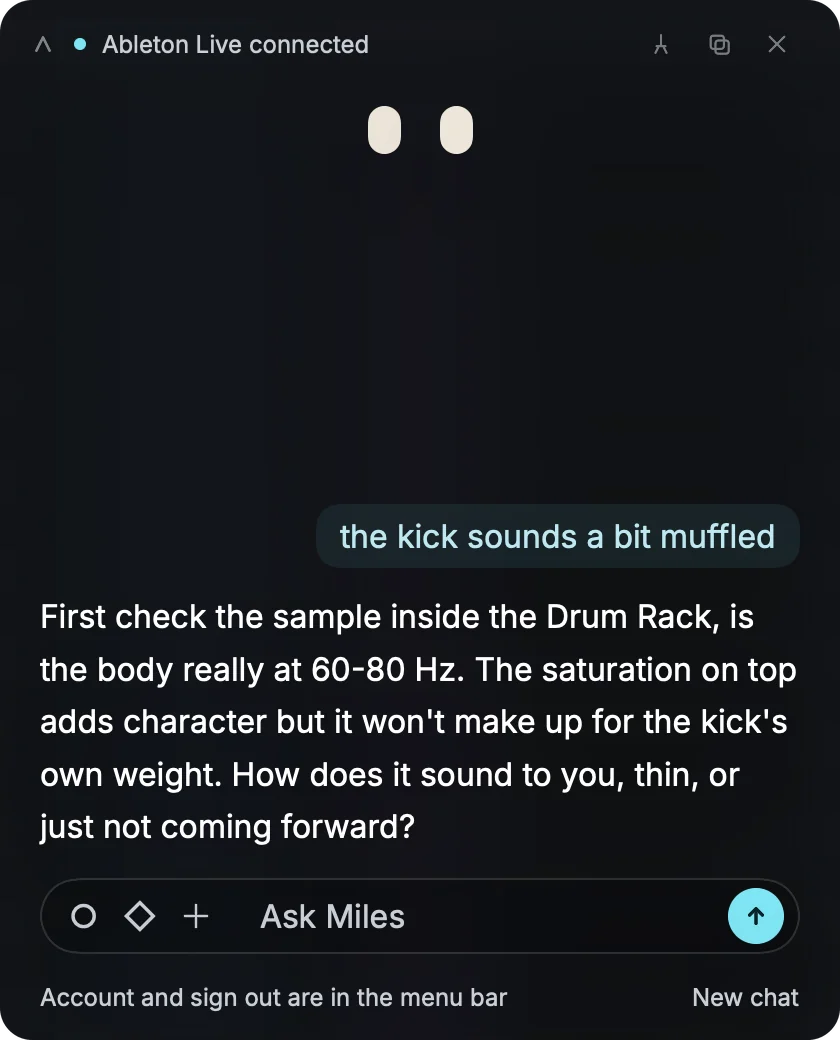
It hears what plays
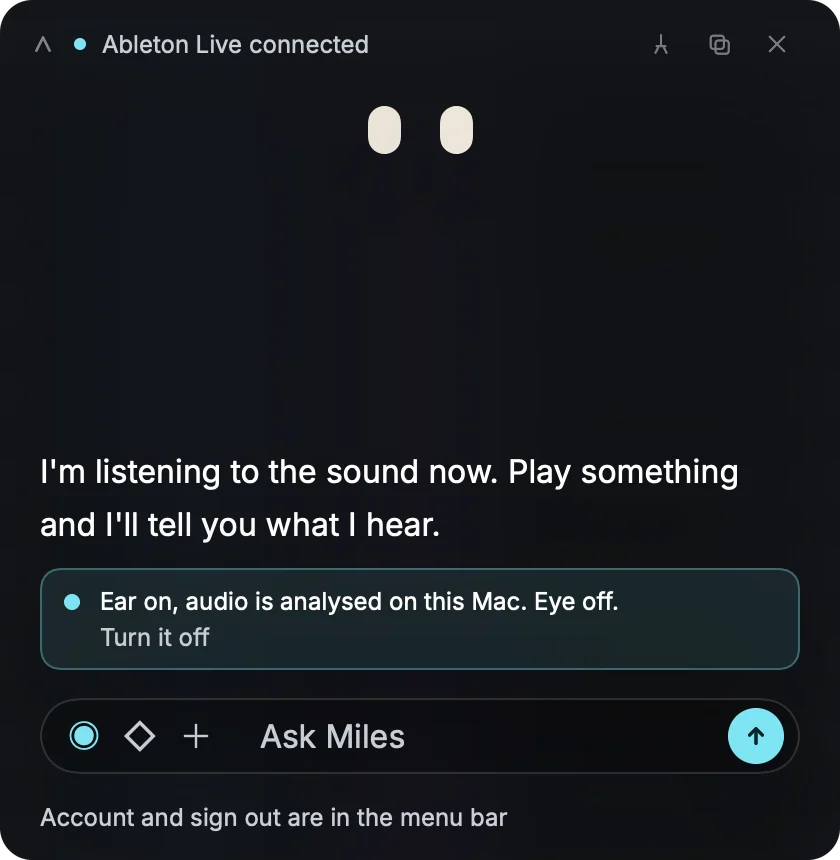
Connect Ableton Live and Miles listens to what is playing. No Live open? It listens to whichever DAW is playing.
- EarHears what plays, analysed on your computer
- EyeSees the Ableton Live window, nothing else
- Off switchTurn the ear and the eye off in the panel
File analysis
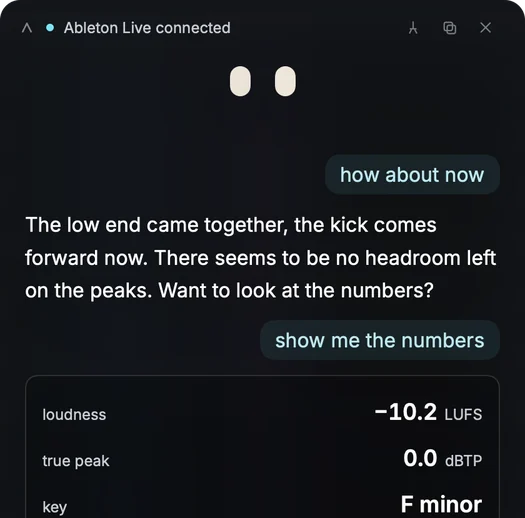
Drop a bounce
Drag a WAV or MP3 onto Miles. It reads the key, integrated LUFS and true peak, then tells you what the numbers mean for your track.
How it works
Open, ask, listen
Miles stays out of the way until you ask.
Open Miles
The panel opens next to your session.
Ask
Type a question, or drag a WAV or MP3 onto the panel.
It listens and looks
With the ear on, Miles hears what plays. With the eye on, it sees the Live window. Then it answers.
Privacy
What stays on your computer
Miles works from what it hears and sees. Here is where each one goes.
Ear
The audio is analysed on your computer. Turn the ear off in the panel.
Eye
The eye sees the Ableton Live window only. When it is on and you ask, a still of that window goes with your question.
Requirements
What you need
Miles is in beta for All-Access members, on Mac and Windows.
System
Computer
- macOS26.5 or later
- WindowsWindows 11, 21H2 or later
- StatusBeta
DAW
Live
- EarAbleton Live, or whichever DAW is playing
- EyeAbleton Live window only
- FilesWAV, MP3
- ReadingsKey, LUFS, true peak
Access
Account
- Sign-inNolvra account
- PlanAll-Access
- MilesIncluded
FAQ
Before you try
Who can use Miles?
Miles is in beta for Nolvra All-Access members. Sign in with your Nolvra account.
Is Miles part of All-Access?
Yes. Miles comes with All-Access at $14.99 a month or $149 a year.
Which DAWs does Miles work with?
Miles connects to Ableton Live: it hears what plays and sees the Live window. Without Live, the ear still listens to whichever DAW is playing.
Does it run on Windows?
Yes. Miles runs on macOS 26.5 or later and on Windows 11, version 21H2 or later.
What does the eye see?
Only the Ableton Live window. When the eye is on and you ask, a still of that window goes with your question.
Where is my audio analysed?
On your computer. Files you drop and the sound playing in your session are measured locally.
Can I try Miles before paying?
All-Access starts with a 7-day free trial, no card needed.
Where do I get help with Miles?
Write to miles@nolvra.com.
Ask Miles
Ask Miles
Miles comes with All-Access. $14.99 a month.