Cellar
dark · gritty · punchy · noise · vinyl · trap · 808
0:03

How it works
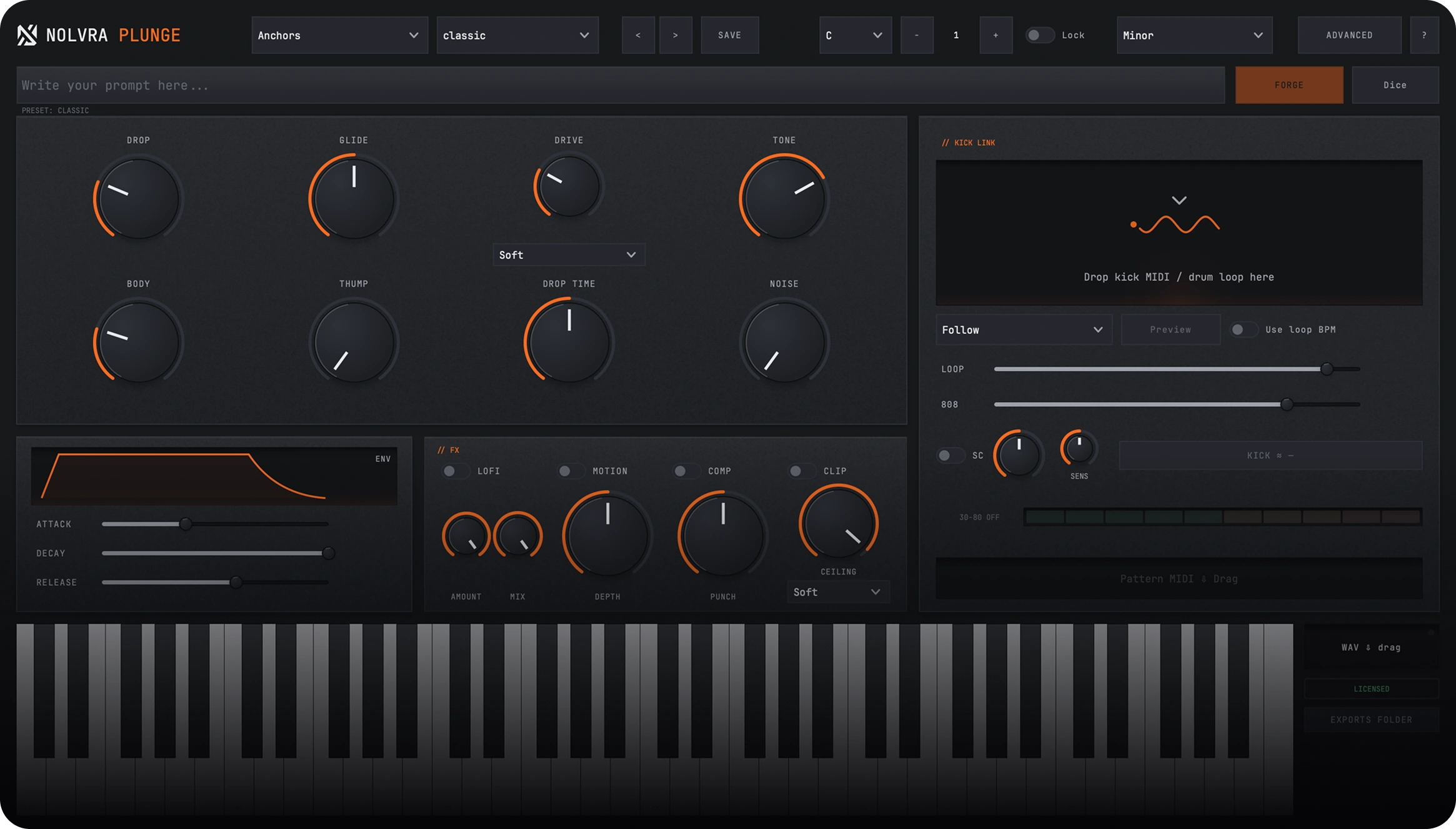
Write what you want in the prompt bar and Plunge builds the voice, in signal order.
Type what you want, hit FORGE, and hear it. Local and deterministic.
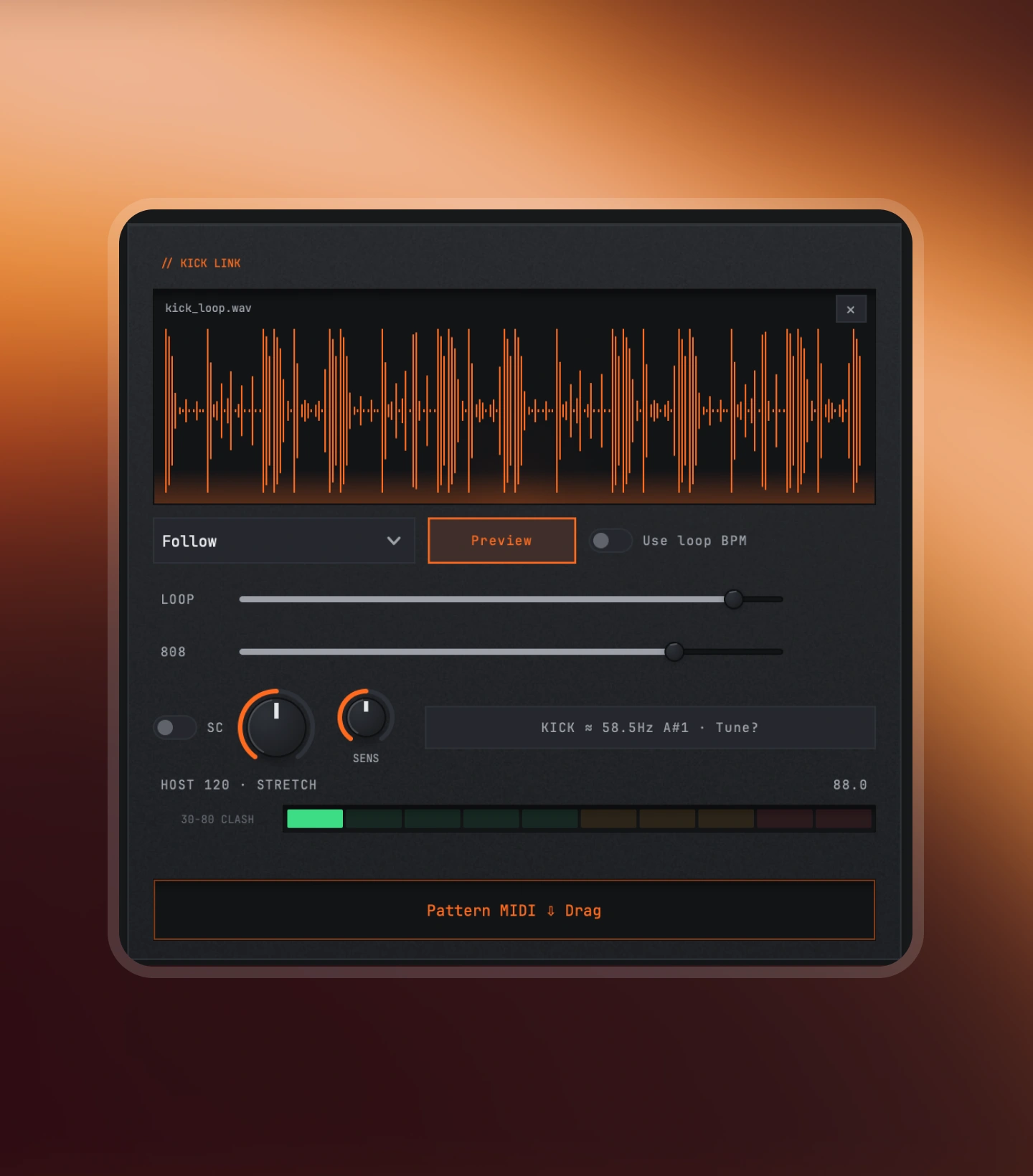
Drop a kick loop in and get a tuned, ducked pattern out.
Everything under roughly 110 Hz stays mono, however wide the top gets.
Main demo
Finished 808s, locked to a kick and pushed through the chain.
Low, closed and heavy. Trap and drill weight.
3 of 5 Dark renders in a pool of 22
Cellar
dark · gritty · punchy · noise · vinyl · trap · 808
Drill
dark · drill · staccato · thump · punchy · 808
Obsidian
dark · hard · distorted · gritty · punchy · noise · tape · phonk
Kick link
An 808 a semitone away from the kick, or sitting on top of it instead of around it, is the most common reason a low end sounds smaller than it measures. Drop the loop in and that decision happens before you commit.
FX chain
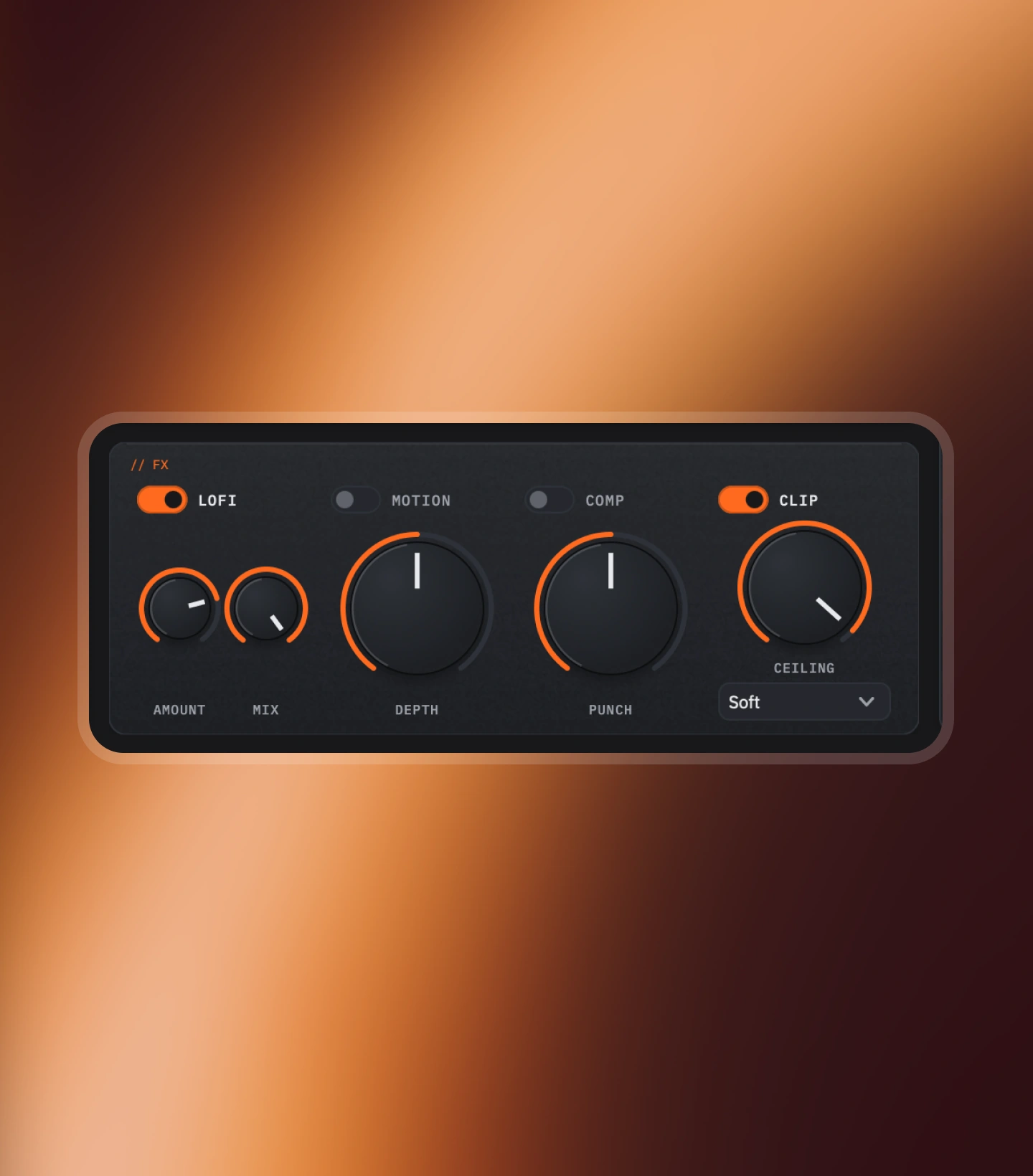
Lofi, then motion, then comp, then clip. Every stage is off by default, so the voice you build is the voice you hear until you decide otherwise. The order is fixed on purpose: a clipper after a compressor is a mastering decision, the other way round is a mistake.
Product details
The practical details, organized for a quick scan.
Engine
Library
Output
Platforms
Available for macOS and Windows. On Mac it needs Apple Silicon; on Windows it is a 64-bit app. VST3 and AU on Mac, VST3 on Windows. Full system requirements
Setup flow
A few clear steps, then Plunge is ready inside your DAW.
Buy once and Plunge lands in your Nolvra account.
Open Nolvra Hub, sign in, and install Plunge from there.
Load it on a MIDI track and prompt your first 808.
FAQ
AU and VST3 on macOS, VST3 on Windows. One license covers both, and your activations can be any mix of Mac and Windows machines.
Yes. The Hub handles your account, licenses and downloads. Install it once, sign in, and every Nolvra product flows through it.
Yes. Drop your kick in, and PLUNGE locks the 808 around it. Sidechain shaping and kick-aware timing are built in.
251 presets: 27 hand-tuned character anchors plus a factory set grouped by style: trap, rage, reese, drill, hybrid, hip hop, phonk, plugg and club. DICE rolls a musical variation of whatever is playing, and anything you build yourself saves into a User category alongside them.
Further reading
How PLUNGE fits a session, written out step by step.
Start with Plunge
Prompt it, lock it to the kick, and keep the low end intact. Ready inside Nolvra Hub.
$69